
About AR Butterflies
Free WebXR game · plays in mixed reality, in your own room, with hand tracking
Butterflies in your room, landing on the shapes around you. A gentle mixed reality toy.
How to play AR Butterflies
- Put on your Meta Quest, Pico or other WebXR headset and open its web browser.
- Go to nxtwebxr.com, find AR Butterflies in the feed and pull it towards you, or open ar-butterflies.vercel.app directly.
- Press the VR or AR button when it appears and allow the immersive session. Put your controllers down: it is played with your hands. It uses passthrough, so clear a little space around you.
At a glance
- Price
- Free, no account
- Runs in
- The headset's web browser (WebXR); nothing to download
- Plays in
- Mixed reality, in your own room, with hand tracking
- Category
- Mixed reality, Explore & relax
Questions about AR Butterflies
Is AR Butterflies free?
Yes. AR Butterflies is free to play, with no account and no payment.
Do I need to download AR Butterflies?
No. It is a WebXR mixed reality experience that runs in your headset's web browser, so there is nothing to install. Open it from NXT/WebXR or from ar-butterflies.vercel.app.
Does AR Butterflies work on Meta Quest 3?
Yes. It runs in the Meta Quest Browser on Quest 3 and Quest 3S, and in the browsers of other WebXR headsets such as Pico. It uses passthrough to play out in your room. It is played with hand tracking, so put your controllers down.
Made AR Butterflies? Put the Featured on NXT/WebXR badge on your page.
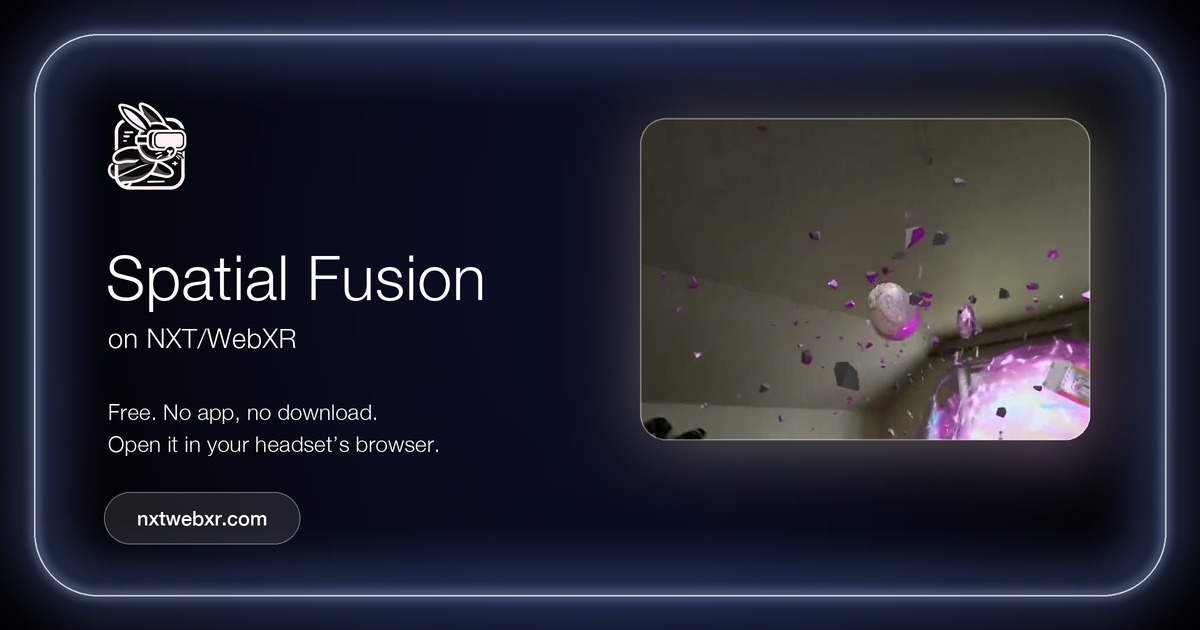 Spatial Fusion
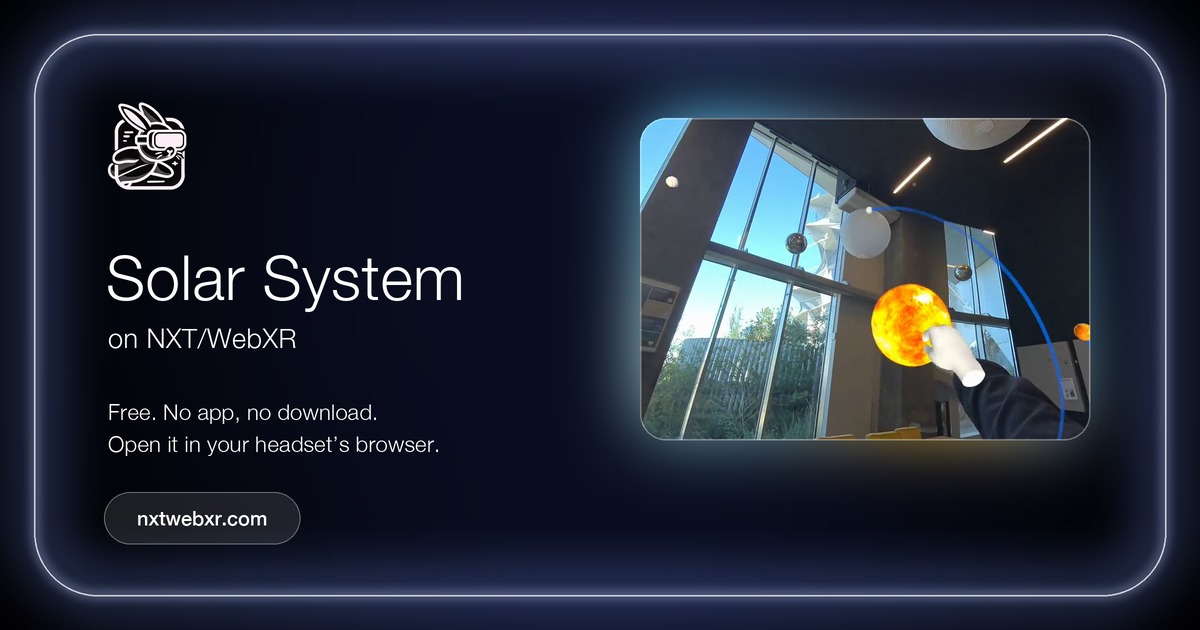 Solar System
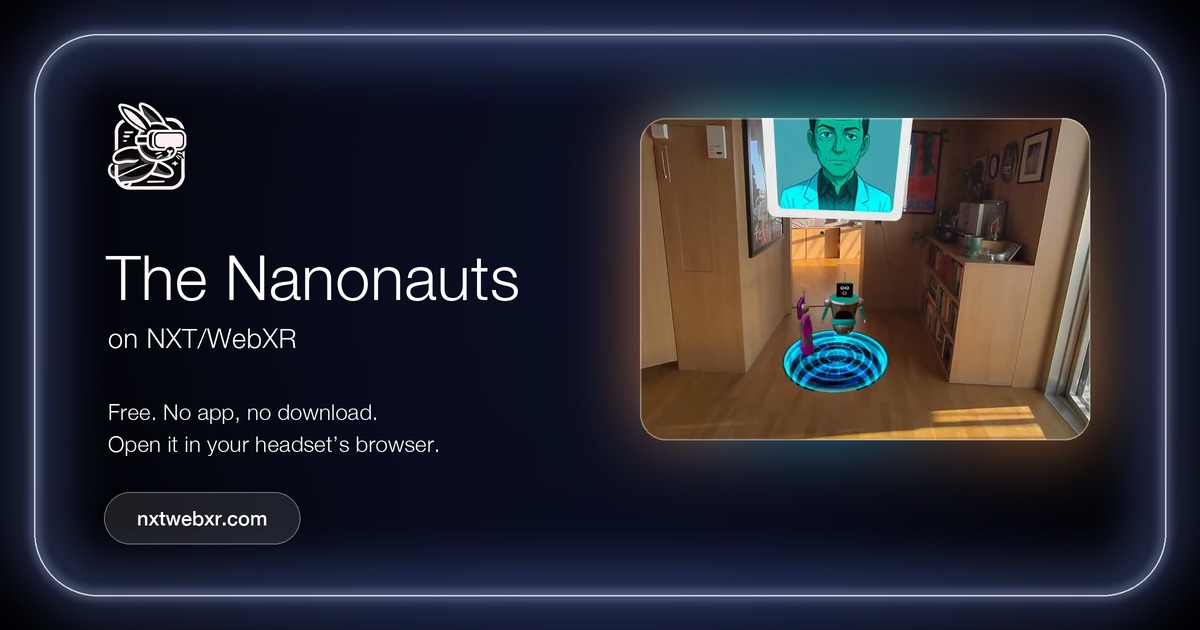 The Nanonauts
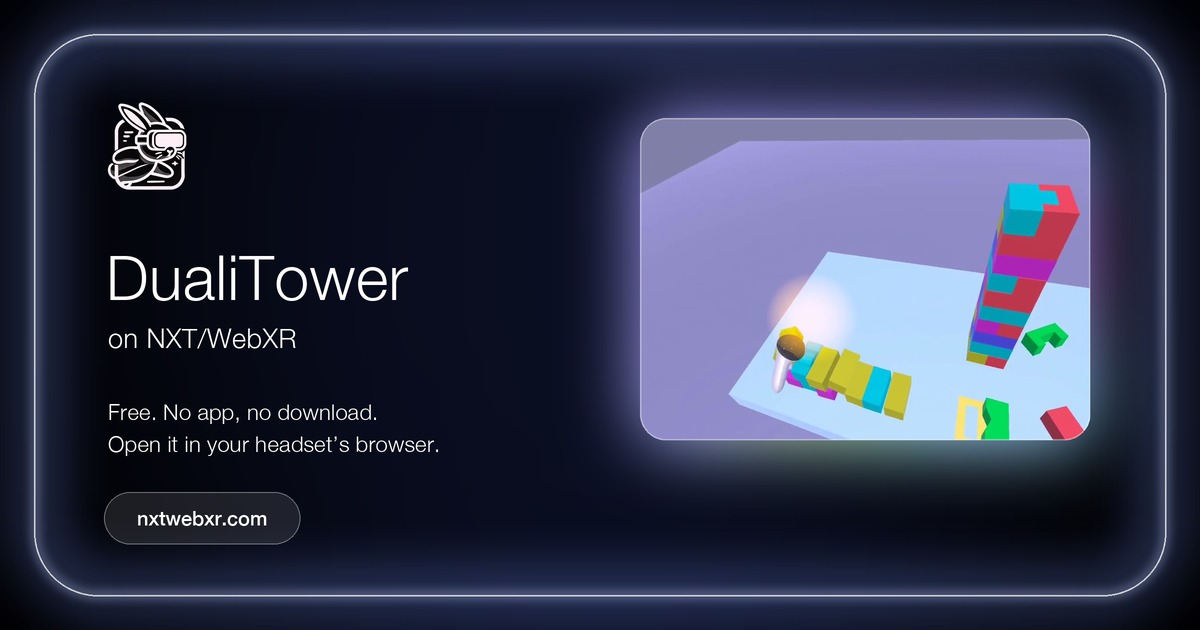 DualiTower
 PushPattern
 Tumbleweed Defender