
About Lofi Worlds
Free WebXR game · plays in virtual reality
Wander AI-generated worlds, from palace gardens to coral reefs and moonlit deserts, rendered as Gaussian splats right in the headset's browser.
How to play Lofi Worlds
- Put on your Meta Quest, Pico or other WebXR headset and open its web browser.
- Go to nxtwebxr.com, find Lofi Worlds in the feed and pull it towards you, or open lofiworlds.ai directly.
- Press the VR or AR button when it appears and allow the immersive session.
At a glance
- Price
- Free, no account
- Runs in
- The headset's web browser (WebXR); nothing to download
- Plays in
- Virtual reality
- Category
- Explore & relax
Questions about Lofi Worlds
Is Lofi Worlds free?
Yes. Lofi Worlds is free to play, with no account and no payment.
Do I need to download Lofi Worlds?
No. It is a WebXR experience that runs in your headset's web browser, so there is nothing to install. Open it from NXT/WebXR or from lofiworlds.ai.
Does Lofi Worlds work on Meta Quest 3?
Yes. It runs in the Meta Quest Browser on Quest 3 and Quest 3S, and in the browsers of other WebXR headsets such as Pico.
Made Lofi Worlds? Put the Featured on NXT/WebXR badge on your page.
 Brushwork
 Wol
 Spatial Fusion
 Planets by Earth
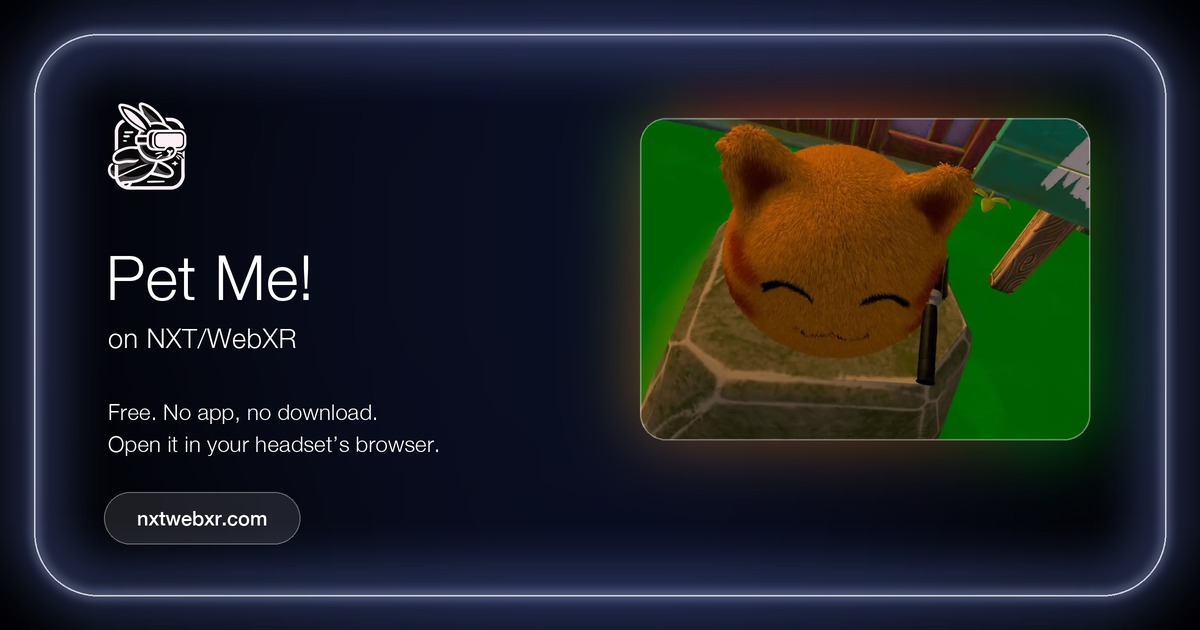 Pet Me!
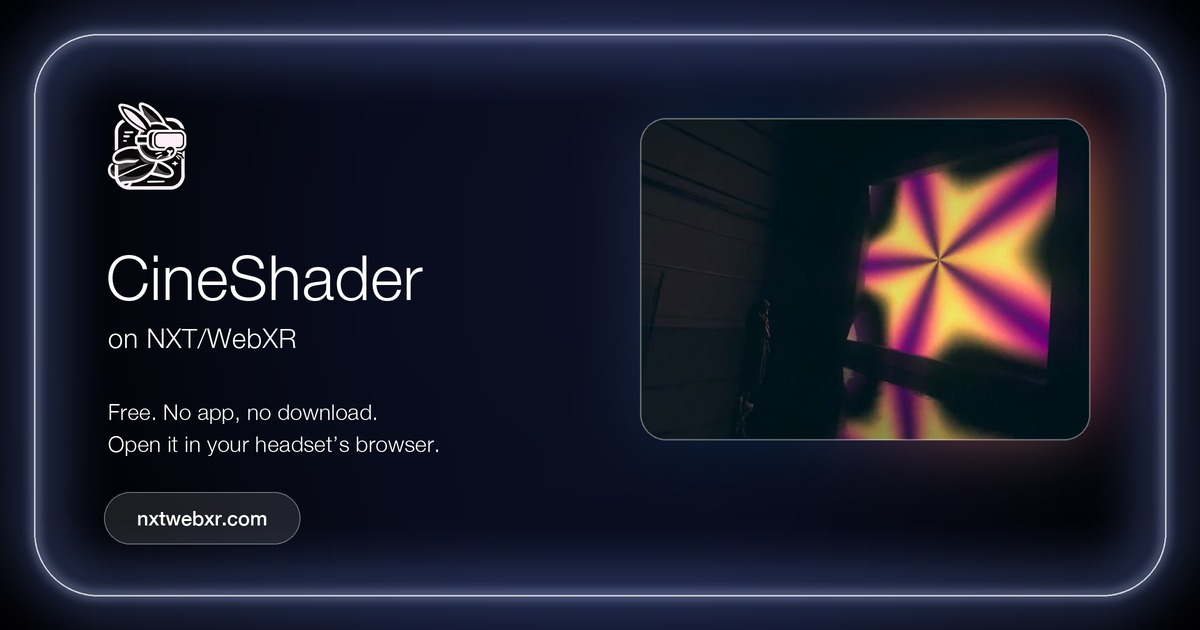 CineShader