
About Oche
Free WebXR game by NXT/WebXR · plays in mixed reality, in your own room, with hand tracking
Darts in your living room. A regulation bristle board stands 2.37 metres from your toe line, lit by its own ring light. Pinch, and a dart is between your fingers; throw it and it bites into the sisal, and the big ones are replayed in slow motion from beside the board. Practice, 501 double out, round the clock, or matches against a ladder of eight throwers. Made to play sitting down. Bare hands or controllers. Our own.
How to play Oche
- Put on your Meta Quest, Pico or other WebXR headset and open its web browser.
- Go to nxtwebxr.com, find Oche in the feed and pull it towards you, or open nxtwebxr.com directly.
- Press the VR or AR button when it appears and allow the immersive session. Put your controllers down: it is played with your hands. It uses passthrough, so clear a little space around you.
At a glance
- Price
- Free, no account
- Runs in
- The headset's web browser (WebXR); nothing to download
- Plays in
- Mixed reality, in your own room, with hand tracking
- Made by
- NXT/WebXR
- Category
- Action & arcade, Mixed reality
Questions about Oche
Is Oche free?
Yes. Oche is free to play, with no account and no payment.
Do I need to download Oche?
No. It is a WebXR mixed reality experience that runs in your headset's web browser, so there is nothing to install. Open it from NXT/WebXR or from nxtwebxr.com.
Does Oche work on Meta Quest 3?
Yes. It runs in the Meta Quest Browser on Quest 3 and Quest 3S, and in the browsers of other WebXR headsets such as Pico. It uses passthrough to play out in your room. It is played with hand tracking, so put your controllers down.
Who made Oche?
Oche was made by NXT/WebXR.
Made Oche? Put the Featured on NXT/WebXR badge on your page.
More action & arcade games like Oche
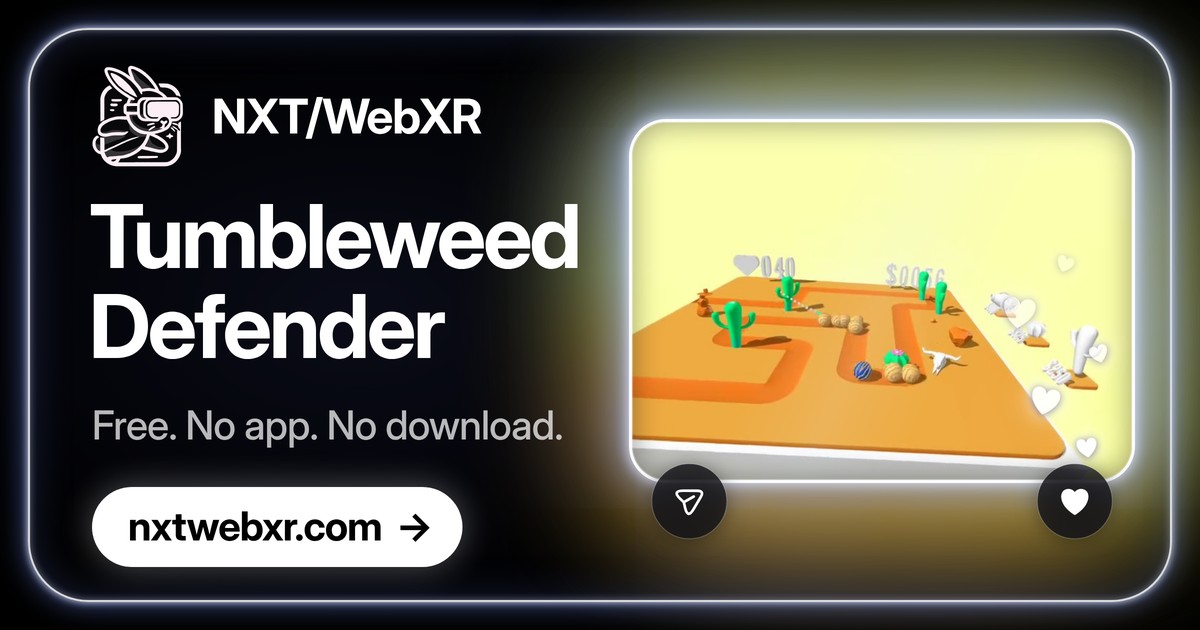 Tumbleweed DefenderMixed reality · Action & arcadeby Will It Augment · controllers
A passthrough tower defence game, inspired by Balloons Tower Defense, that plays out in your own room.
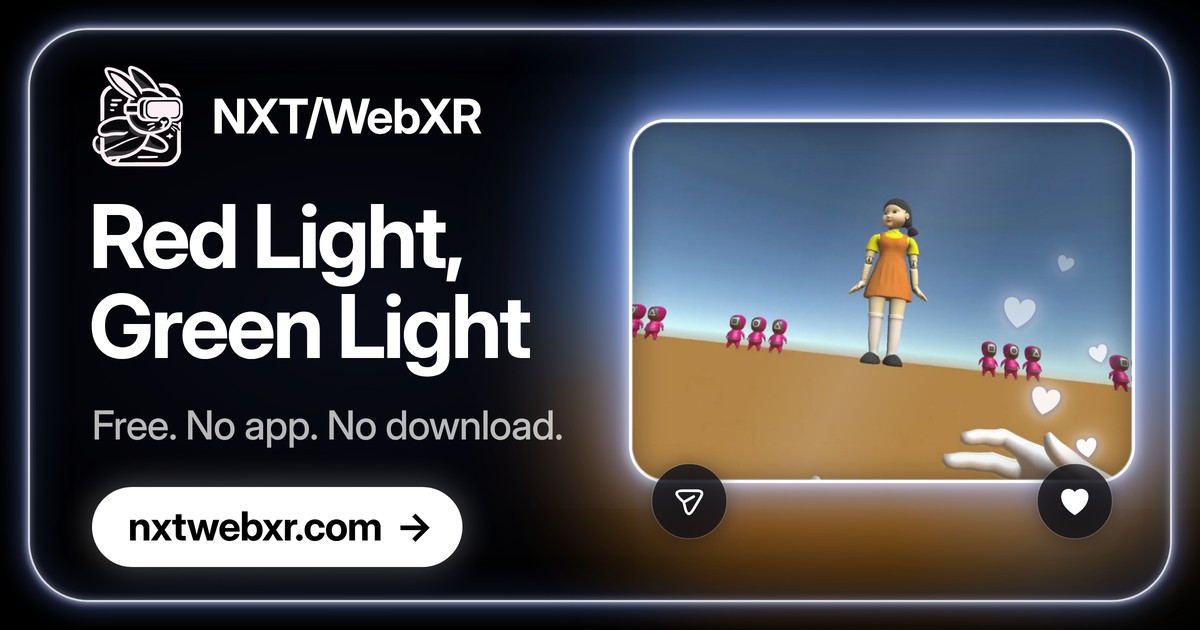 Red Light, Green LightAction & arcade · Mixed realityby Oren De-Panther Weizman
The classic game in WebXR.
 Dreampop XRMixed reality · Action & arcadecontrollers
Pop the bubbles floating around your room before time runs out.
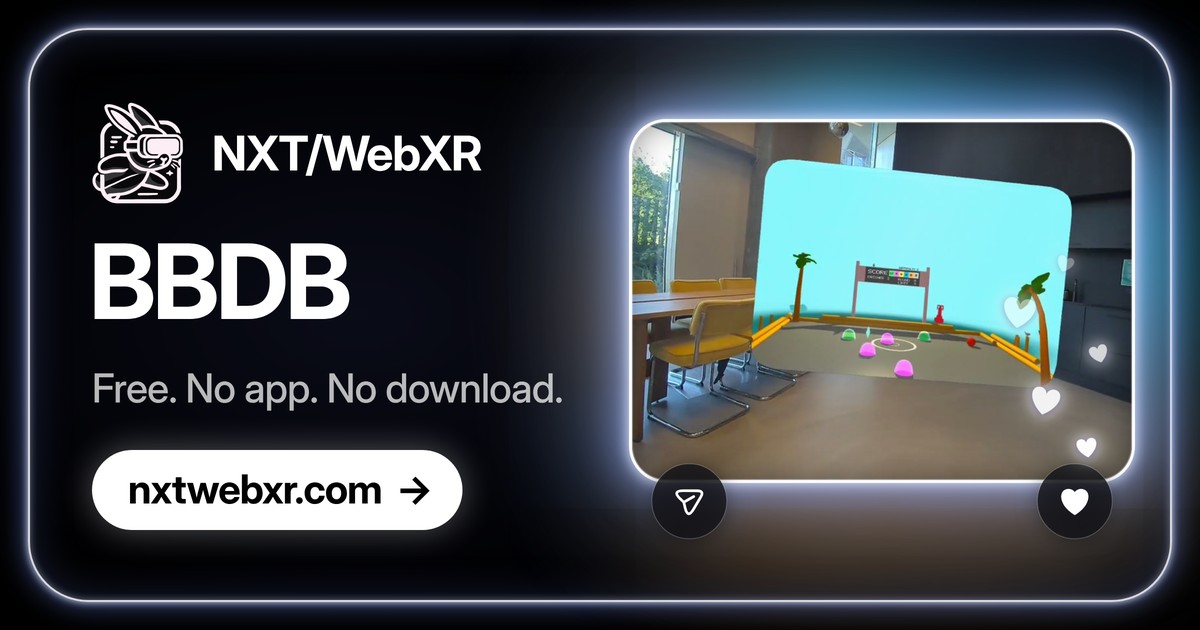 BBDBMixed reality · Action & arcadeby Tristan John · controllers
Blobball Dodgeball: a mixed reality dodgeball game that plays out in your room.
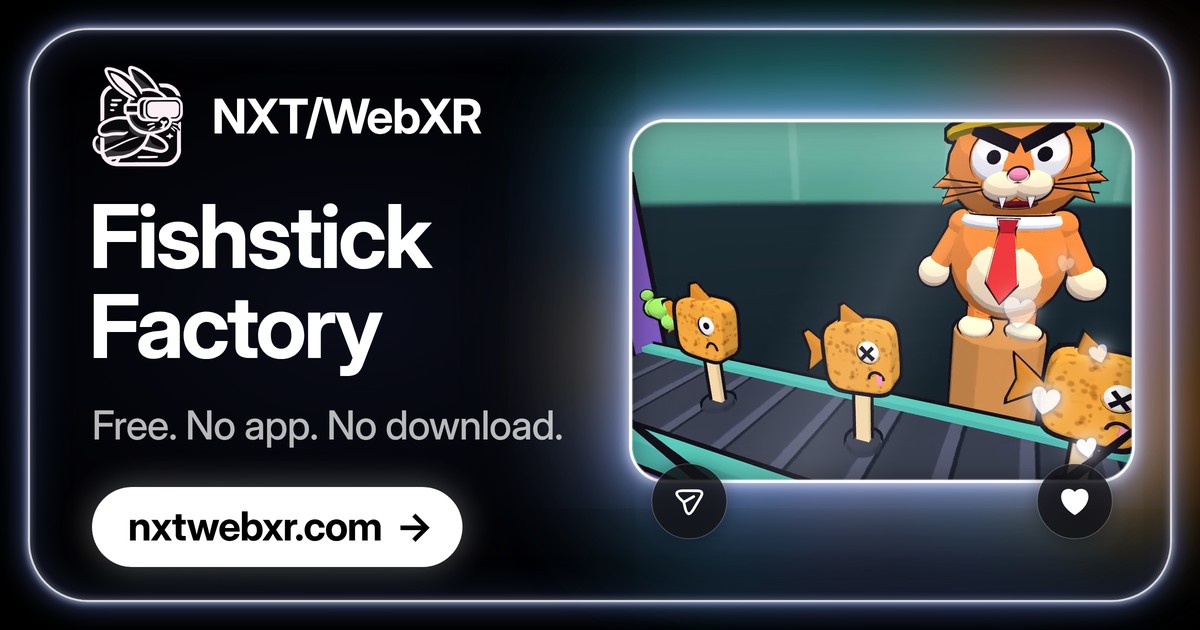 Meows Freaky Fishstick FactoryAction & arcade · Mixed realityby Morten Haulik
Meows Freaky Fishstick Factory is a free WebXR mixed-reality rage game.
 Fire DrillMixed reality · Action & arcadeby katomi95 · hands
A fire breaks out in your own room.