
About Project Flowerbed
Free WebXR game by Meta · plays in virtual reality, with hand tracking
Grow a garden on your own island. Plant seeds, water them, watch them bloom and photograph what you made. Meta's open-source showcase of what a full game in the browser can be.
How to play Project Flowerbed
- Put on your Meta Quest, Pico or other WebXR headset and open its web browser.
- Go to nxtwebxr.com, find Project Flowerbed in the feed and pull it towards you, or open meta-quest.github.io directly.
- Press the VR or AR button when it appears and allow the immersive session. Put your controllers down: it is played with your hands.
At a glance
- Price
- Free, no account
- Runs in
- The headset's web browser (WebXR); nothing to download
- Plays in
- Virtual reality, with hand tracking
- Made by
- Meta
- Category
- Explore & relax, Art & painting
Questions about Project Flowerbed
Is Project Flowerbed free?
Yes. Project Flowerbed is free to play, with no account and no payment.
Do I need to download Project Flowerbed?
No. It is a WebXR experience that runs in your headset's web browser, so there is nothing to install. Open it from NXT/WebXR or from meta-quest.github.io.
Does Project Flowerbed work on Meta Quest 3?
Yes. It runs in the Meta Quest Browser on Quest 3 and Quest 3S, and in the browsers of other WebXR headsets such as Pico. It is played with hand tracking, so put your controllers down.
Who made Project Flowerbed?
Project Flowerbed was made by Meta.
Made Project Flowerbed? Put the Featured on NXT/WebXR badge on your page.
More explore & relax games like Project Flowerbed
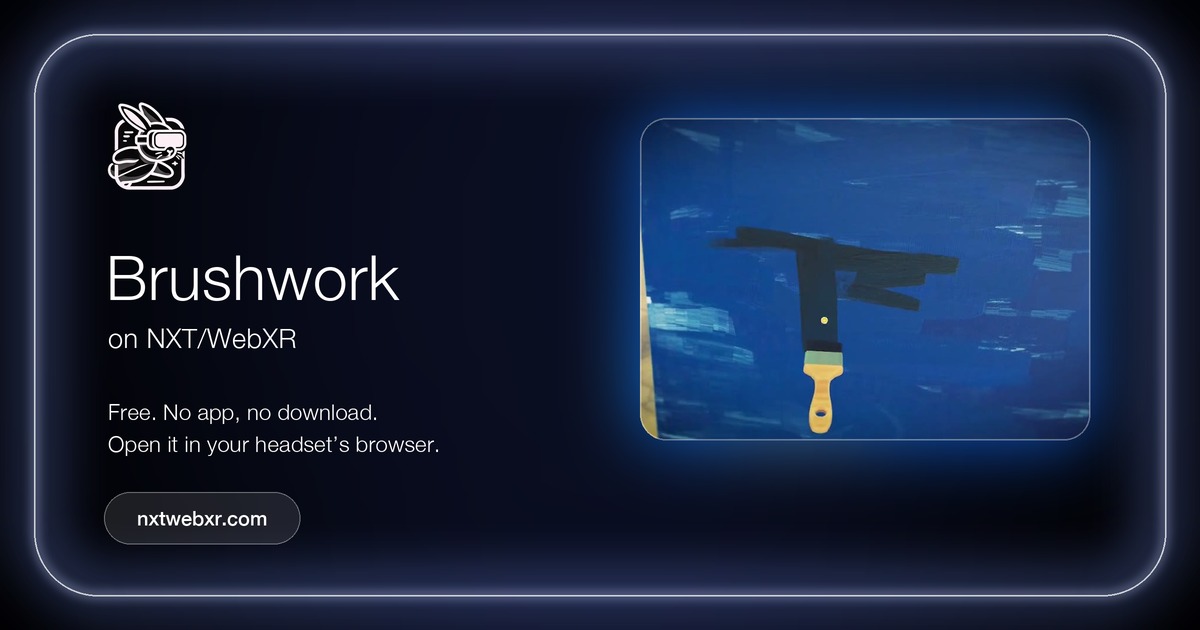 BrushworkArt & painting · Explore & relax
Paint your heart out in VR.
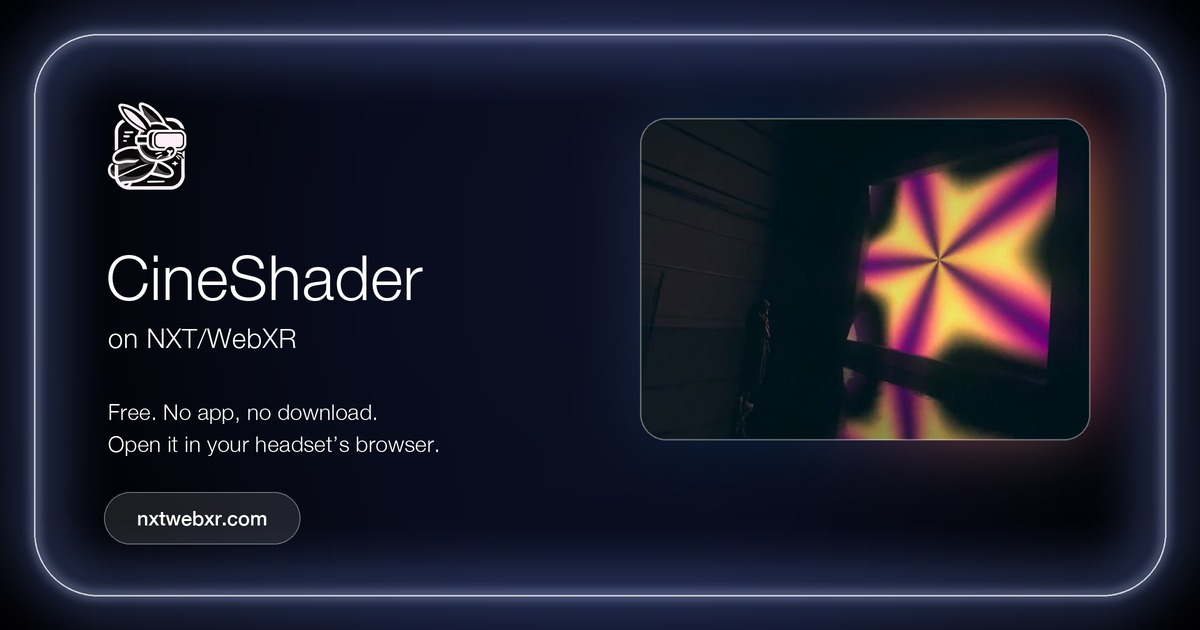 CineShaderExplore & relax · Art & paintingby Lusion
A cinematic real-time shader visualizer by Lusion: shaders play on a screen in a dark room and spill their colour across it,…
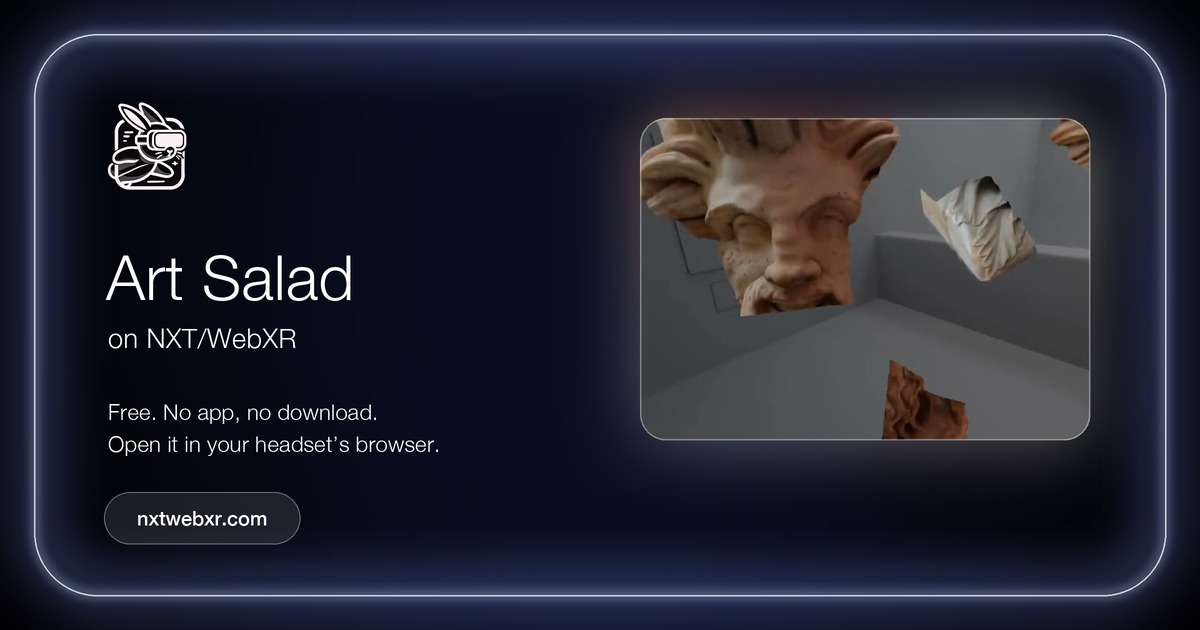 Art SaladPuzzle · Art & painting · Explore & relaxcontrollers
An interactive museum of art and history: put together 3D jigsaw puzzles made from scans of real objects.
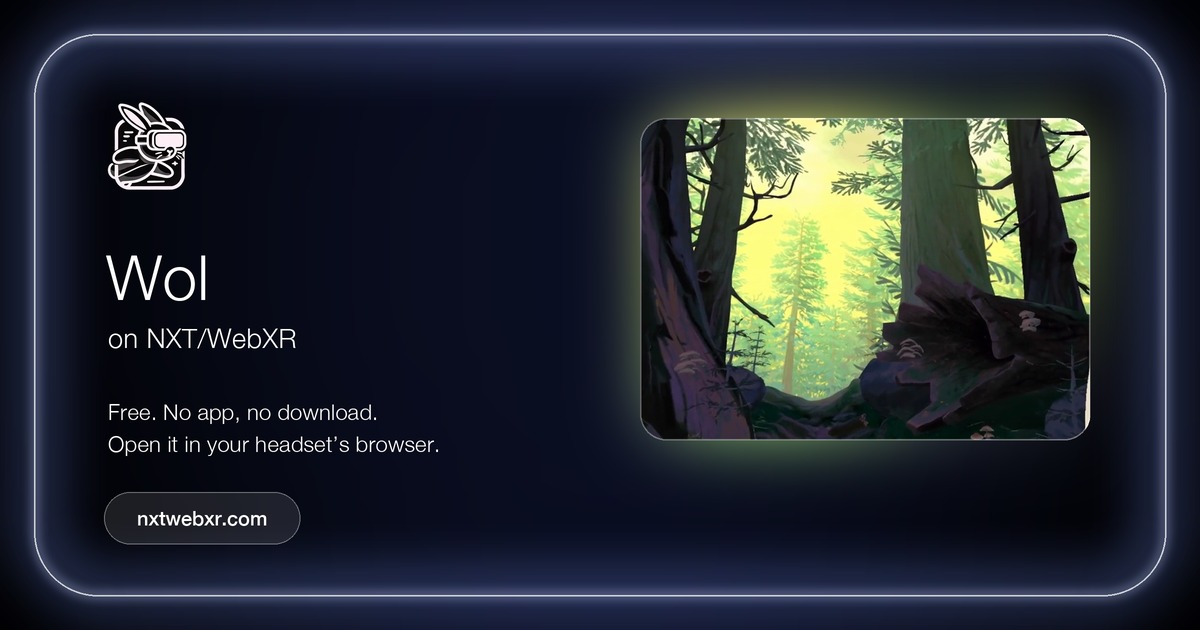 WolExplore & relax
Meet Wol, a loveable owl who guides you through the redwood forest.
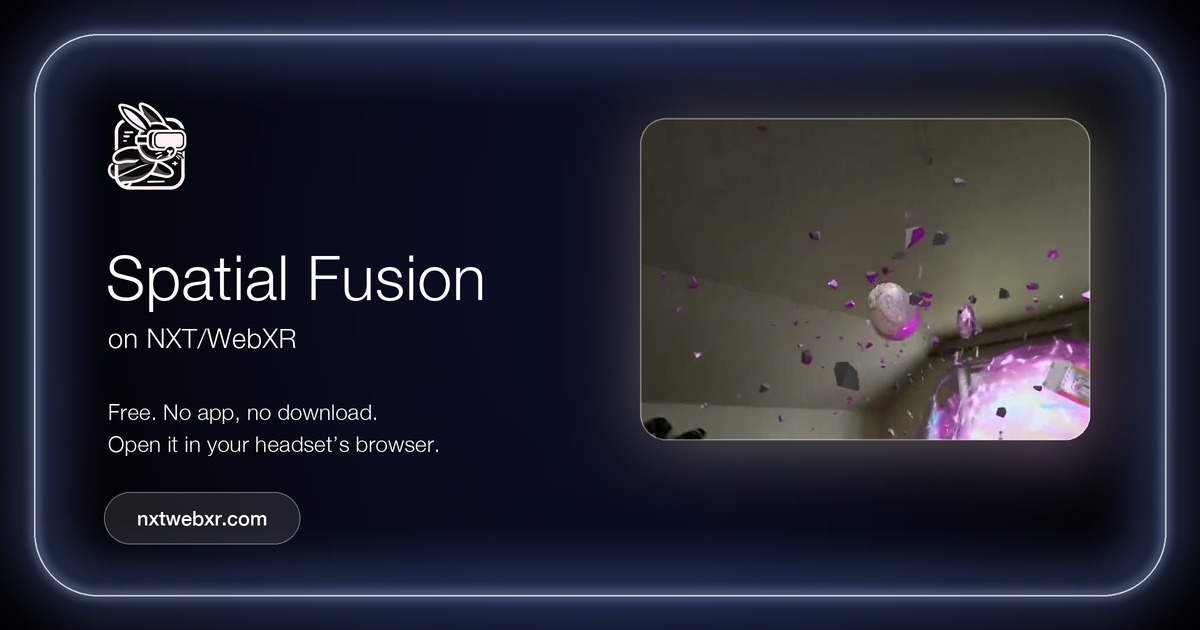 Spatial FusionMixed reality · Explore & relaxby PHORIA and Lusion, with Meta
A mixed reality showcase of what WebXR can do, made by PHORIA and Lusion together with Meta.
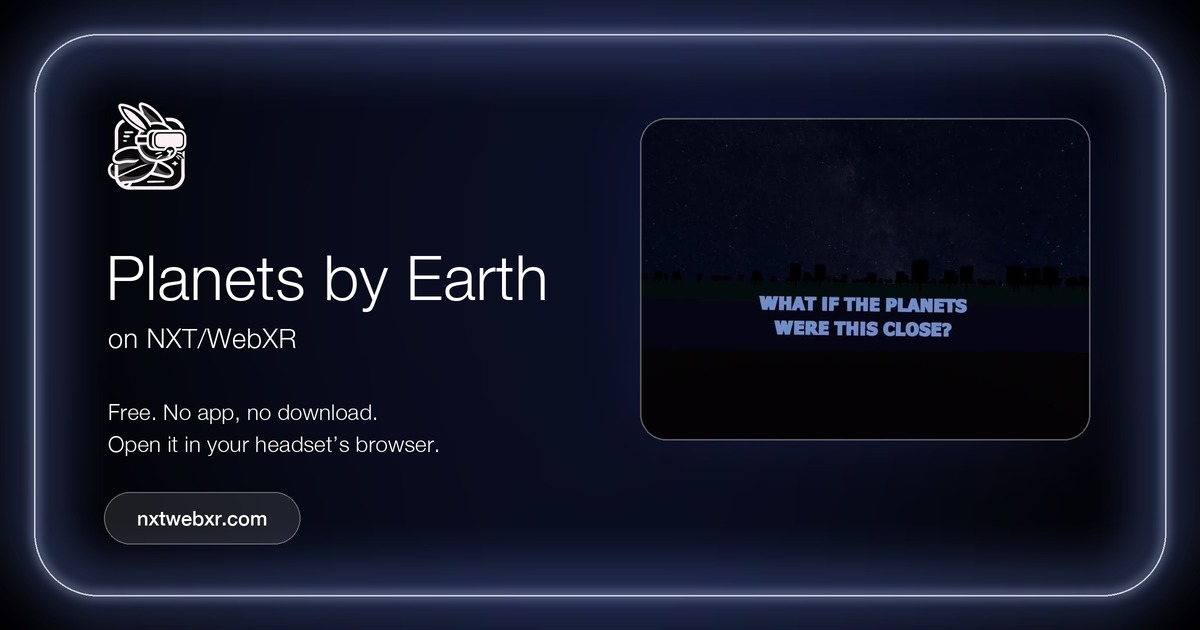 Planets by EarthExplore & relaxby Kodub
What if the planets were as close as the Moon?