
About Shopify Pinball
Free WebXR game by Shopify · plays in mixed reality, in your own room, with hand tracking
A full pinball table standing in your living room. Shopify built it for Black Friday 2025 around its live globe of orders: work the flippers, chase the dot-matrix animations and hunt for the secrets.
How to play Shopify Pinball
- Put on your Meta Quest, Pico or other WebXR headset and open its web browser.
- Go to nxtwebxr.com, find Shopify Pinball in the feed and pull it towards you, or open bfcm.shopify.com directly.
- Press the VR or AR button when it appears and allow the immersive session. Put your controllers down: it is played with your hands. It uses passthrough, so clear a little space around you.
At a glance
- Price
- Free, no account
- Runs in
- The headset's web browser (WebXR); nothing to download
- Plays in
- Mixed reality, in your own room, with hand tracking
- Made by
- Shopify
- Category
- Mixed reality, Action & arcade
Questions about Shopify Pinball
Is Shopify Pinball free?
Yes. Shopify Pinball is free to play, with no account and no payment.
Do I need to download Shopify Pinball?
No. It is a WebXR mixed reality experience that runs in your headset's web browser, so there is nothing to install. Open it from NXT/WebXR or from bfcm.shopify.com.
Does Shopify Pinball work on Meta Quest 3?
Yes. It runs in the Meta Quest Browser on Quest 3 and Quest 3S, and in the browsers of other WebXR headsets such as Pico. It uses passthrough to play out in your room. It is played with hand tracking, so put your controllers down.
Who made Shopify Pinball?
Shopify Pinball was made by Shopify.
Made Shopify Pinball? Put the Featured on NXT/WebXR badge on your page.
More mixed reality games like Shopify Pinball
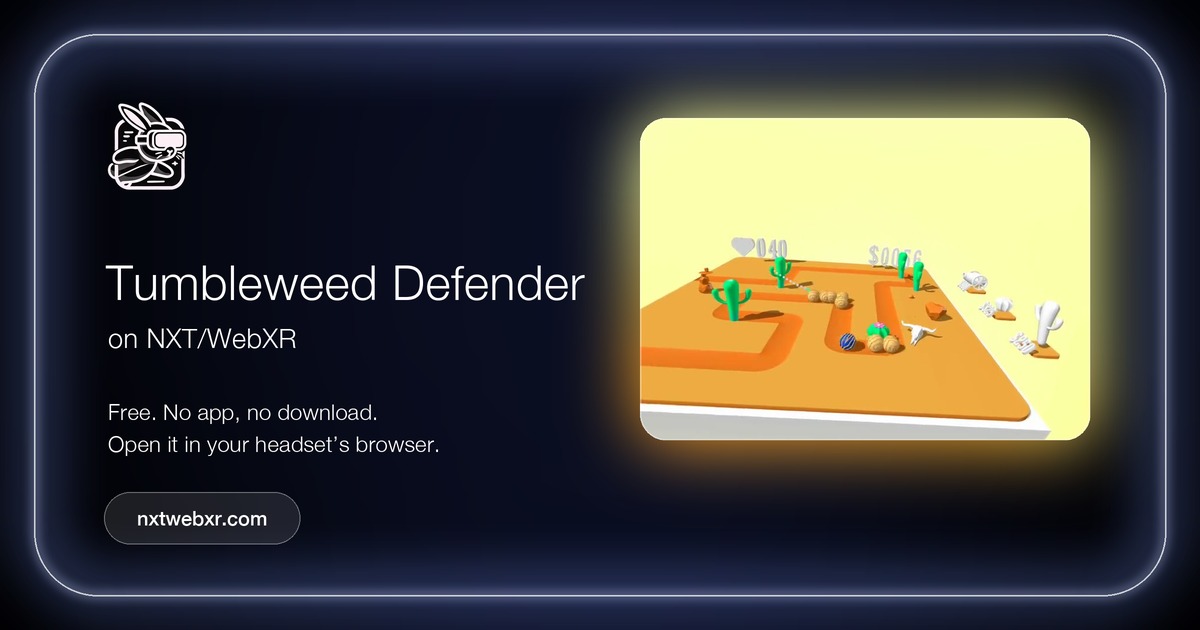 Tumbleweed DefenderMixed reality · Action & arcadeby Will It Augment · controllers
A passthrough tower defence game, inspired by Balloons Tower Defense, that plays out in your own room.
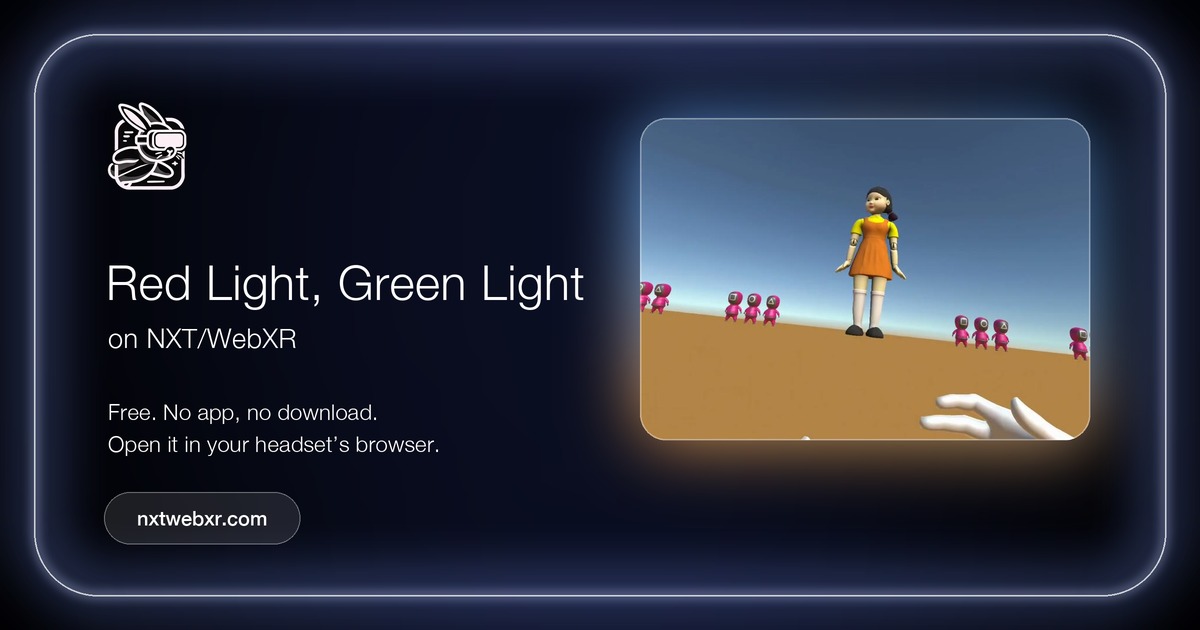 Red Light, Green LightAction & arcade · Mixed realityby Oren De-Panther Weizman
The classic game in WebXR.
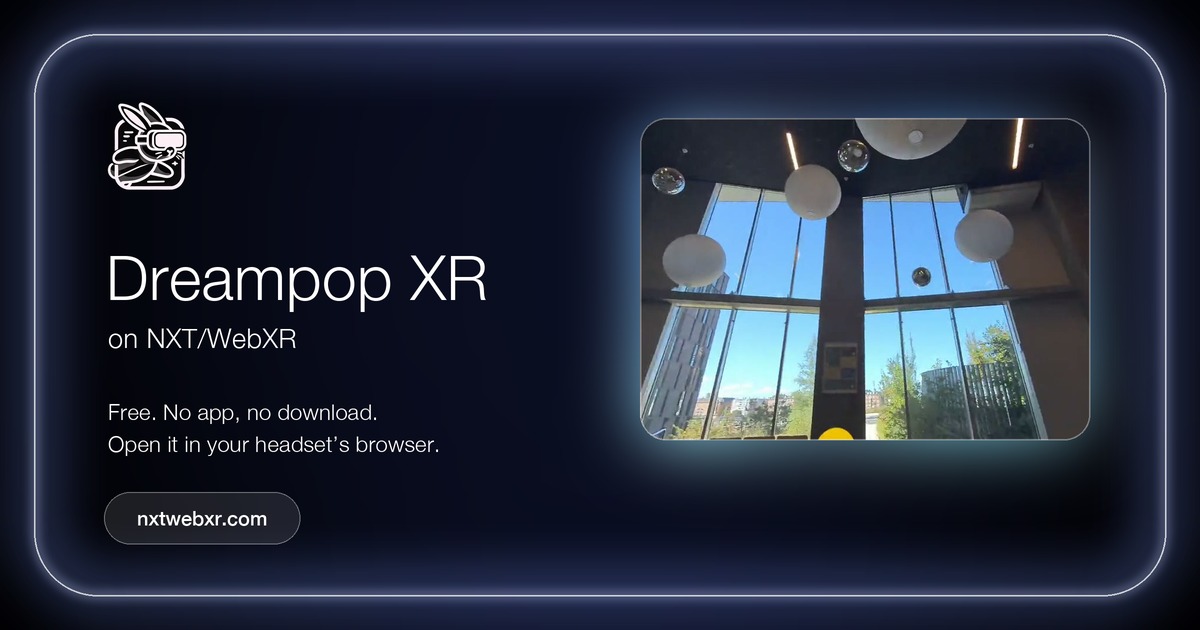 Dreampop XRMixed reality · Action & arcadecontrollers
Pop the bubbles floating around your room before time runs out.
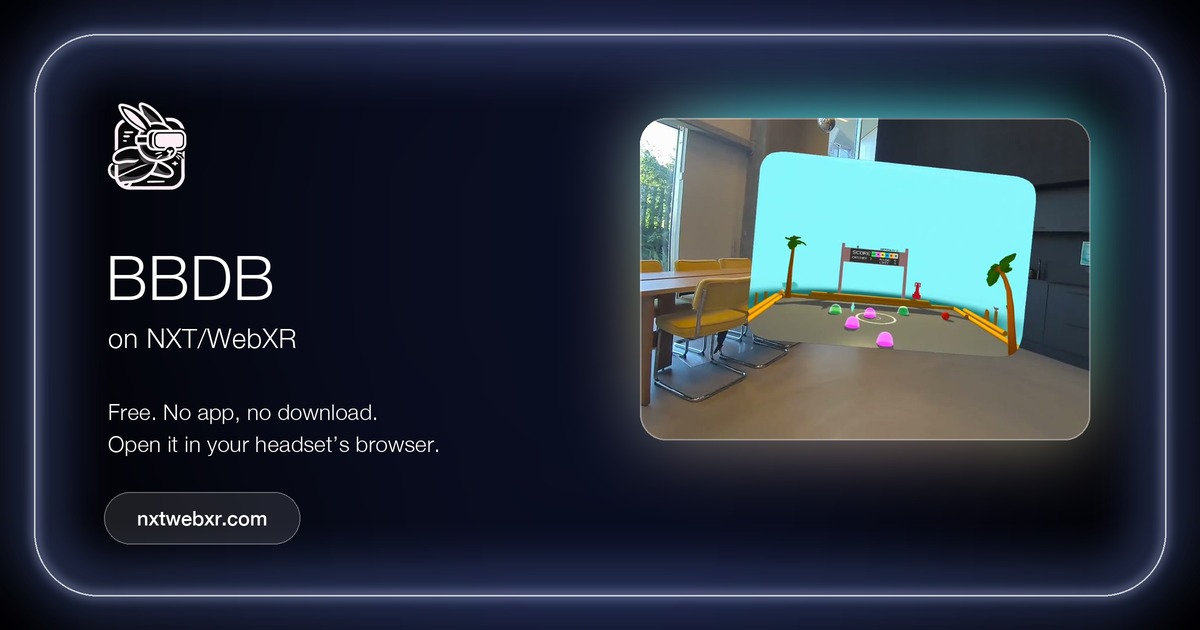 BBDBMixed reality · Action & arcadeby Tristan John · controllers
Blobball Dodgeball: a mixed reality dodgeball game that plays out in your room.
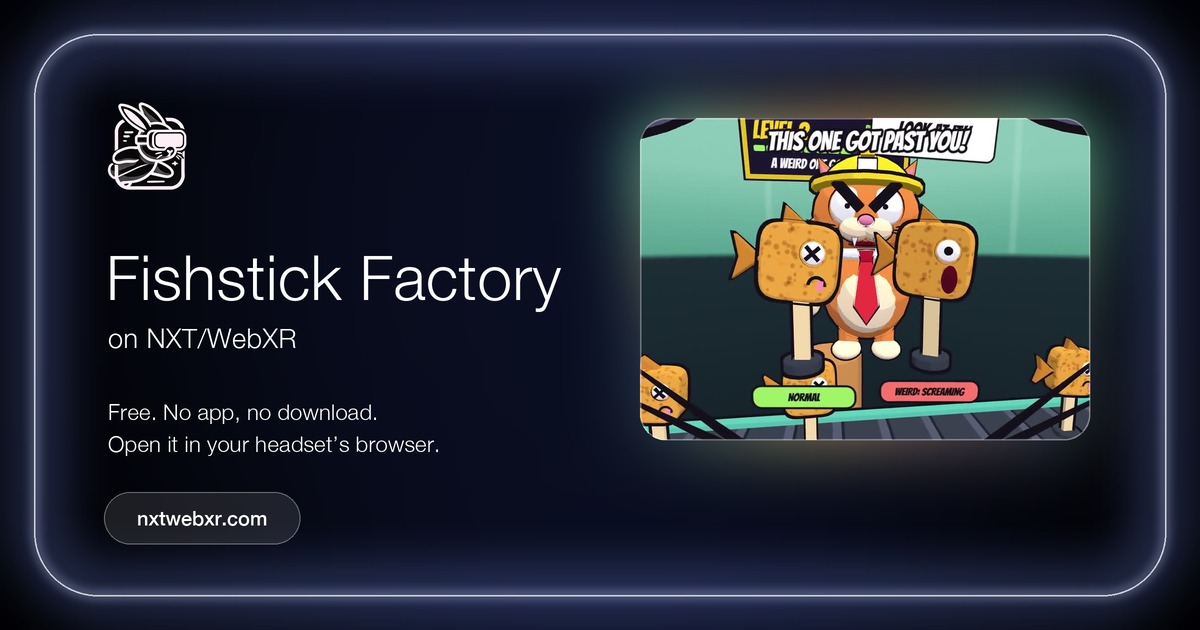 Meows Freaky Fishstick FactoryAction & arcade · Mixed realityby Morten Haulik
Meows Freaky Fishstick Factory is a free WebXR mixed-reality rage game.
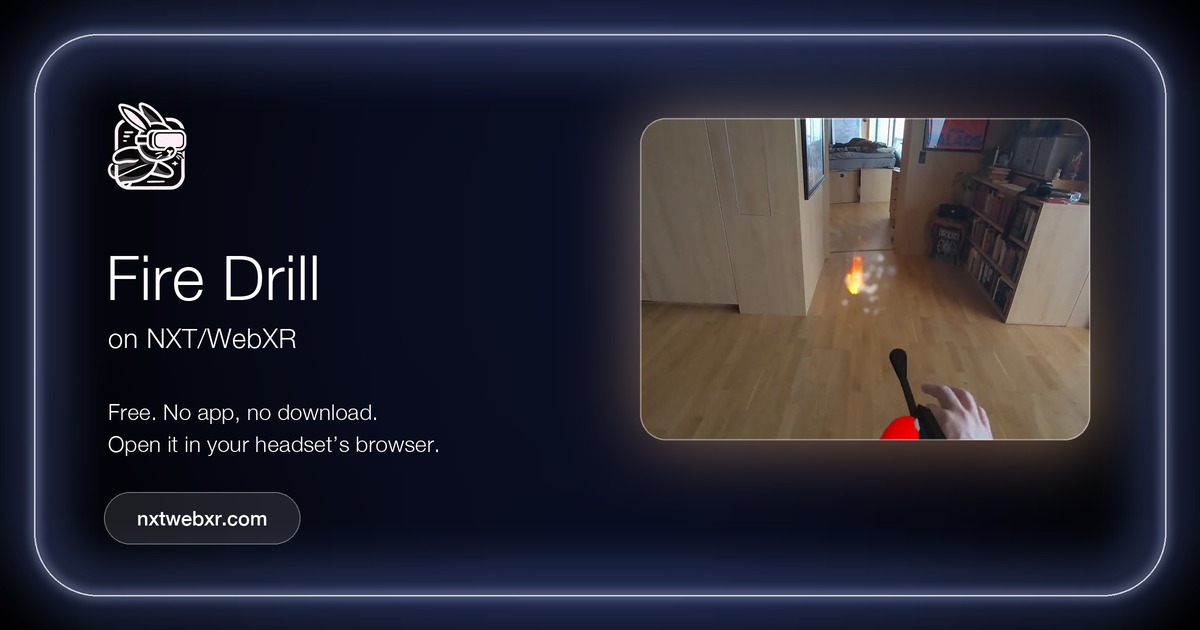 Fire DrillMixed reality · Action & arcadeby katomi95 · hands
A fire breaks out in your own room.