
About Spinator
Free WebXR game by ImmergenceStudio · plays in mixed reality, in your own room, with hand tracking
Table tennis with real spin. A full-size table stands in your living room, or on a rooftop at night facing the city. Rally against eight AI players with their own styles, win the knockout cups, drill with a launcher drone, or play online one against one for the world ranking, with voice chat and private rooms. Controllers, or bare hands: close your fist and the paddle sits in it.
How to play Spinator
- Put on your Meta Quest, Pico or other WebXR headset and open its web browser.
- Go to nxtwebxr.com, find Spinator in the feed and pull it towards you, or open immergencestudio.itch.io directly.
- Press the VR or AR button when it appears and allow the immersive session. Put your controllers down: it is played with your hands. It uses passthrough, so clear a little space around you.
At a glance
- Price
- Free, no account
- Runs in
- The headset's web browser (WebXR); nothing to download
- Plays in
- Mixed reality, in your own room, with hand tracking
- Made by
- ImmergenceStudio
- Category
- Multiplayer, Mixed reality, Action & arcade
Questions about Spinator
Is Spinator free?
Yes. Spinator is free to play, with no account and no payment.
Do I need to download Spinator?
No. It is a WebXR mixed reality experience that runs in your headset's web browser, so there is nothing to install. Open it from NXT/WebXR or from immergencestudio.itch.io.
Does Spinator work on Meta Quest 3?
Yes. It runs in the Meta Quest Browser on Quest 3 and Quest 3S, and in the browsers of other WebXR headsets such as Pico. It uses passthrough to play out in your room. It is played with hand tracking, so put your controllers down.
Who made Spinator?
Spinator was made by ImmergenceStudio.
Made Spinator? Put the Featured on NXT/WebXR badge on your page.
More multiplayer games like Spinator
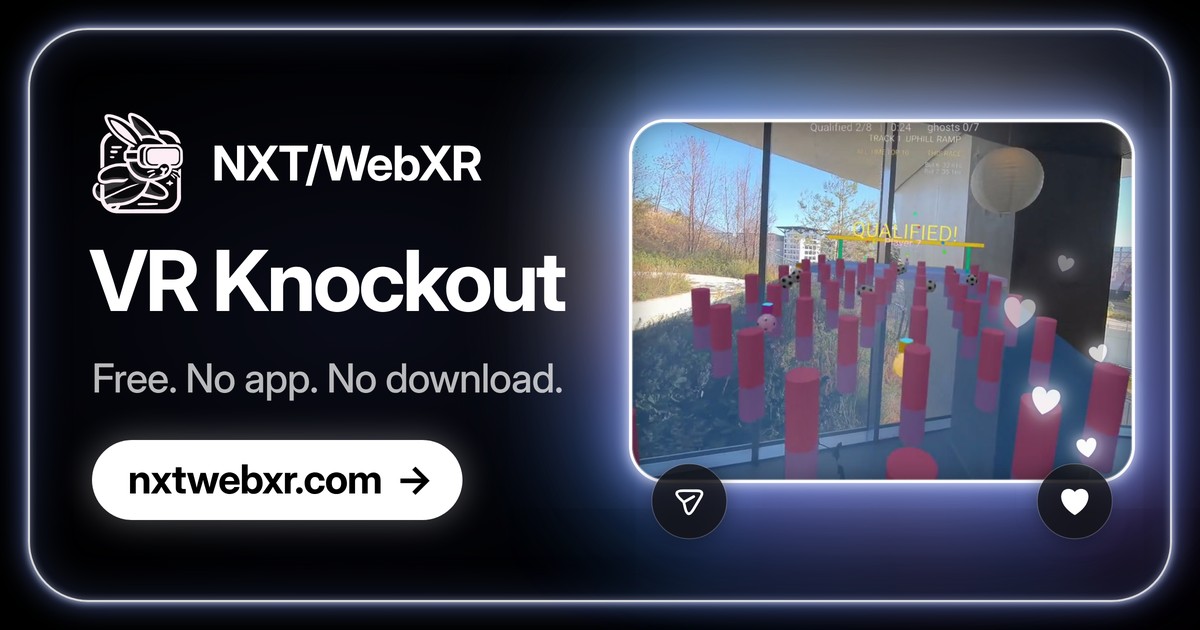 VR KnockoutAction & arcade · Multiplayerby Vivido Design · controllers
An obstacle course race to the finish: dodge rolling rocks, spinners and moving platforms across three courses.
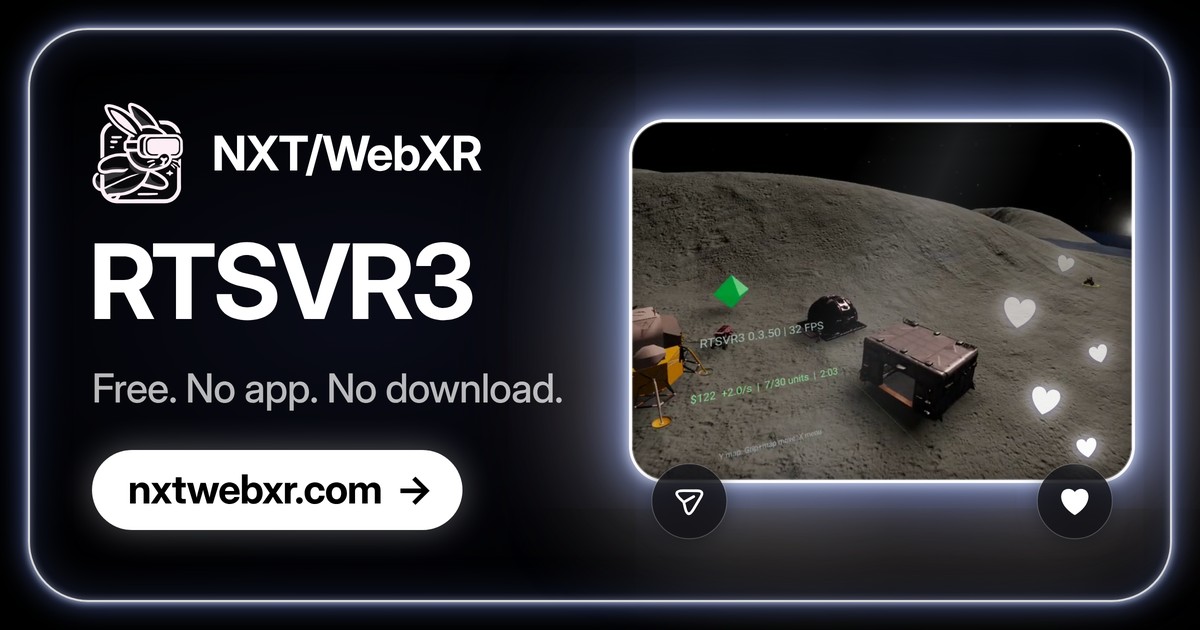 RTSVR3Action & arcade · Multiplayerby Vivido Design · controllers
Command armies on a lunar battlefield.
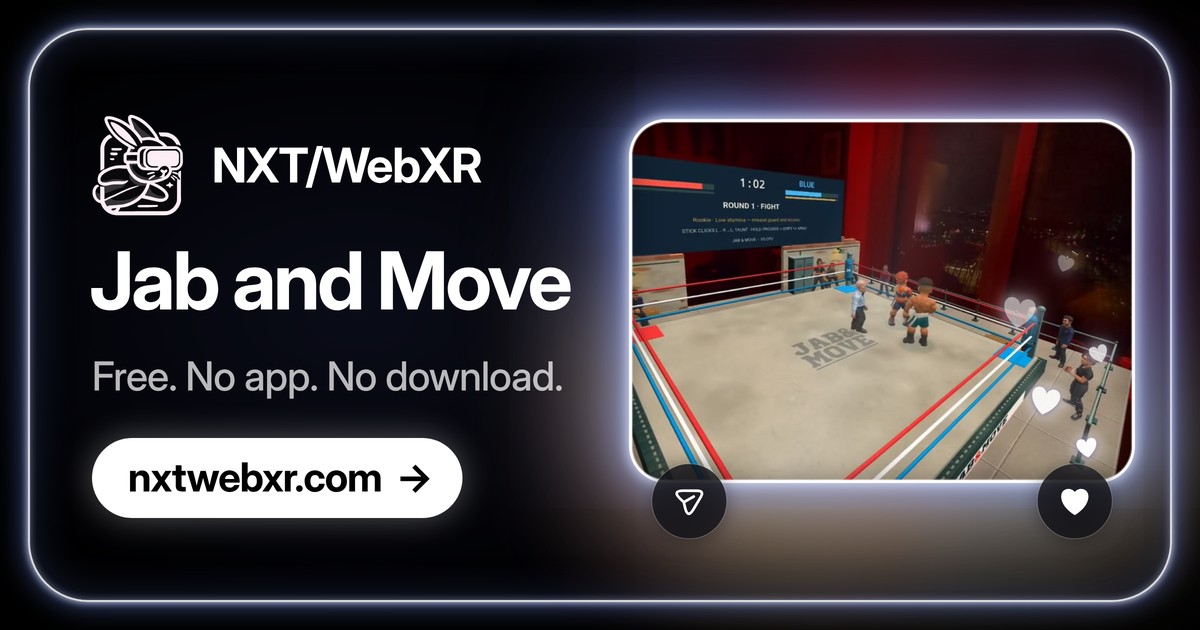 Jab and MoveMixed reality · Boxing & fitness · Multiplayerby Nudge Reality · controllers
Miniature boxing on your own floor.
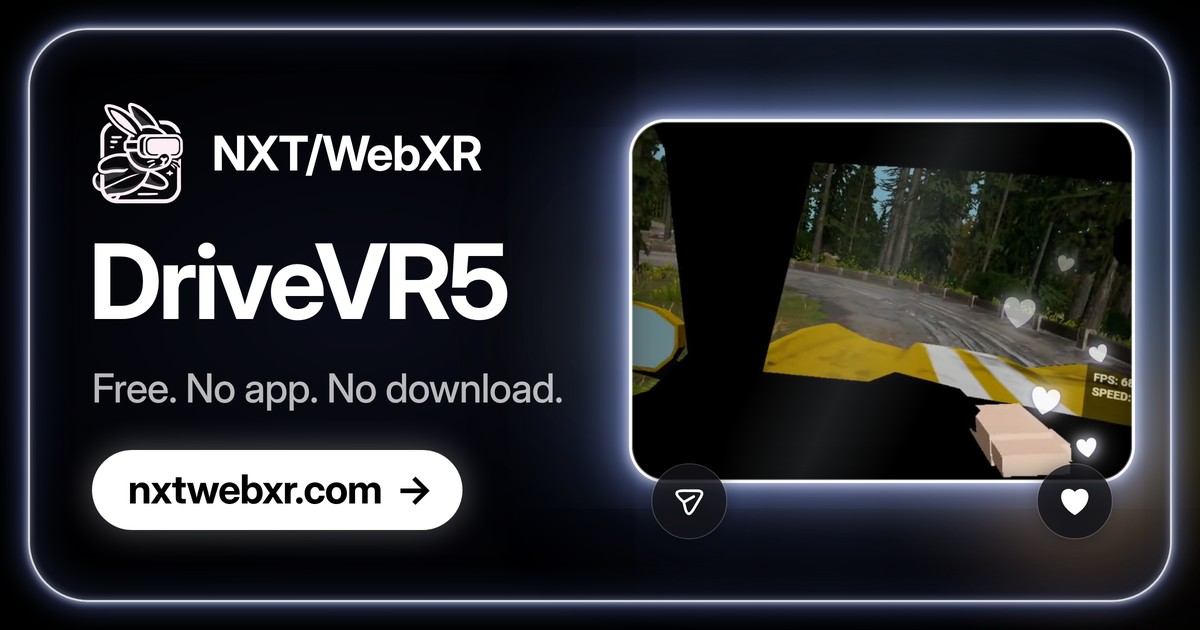 DriveVR5Racing & flying · Multiplayer · Explore & relaxby Vivido Design · controllers
Free-roam driving on a forest dirt road.
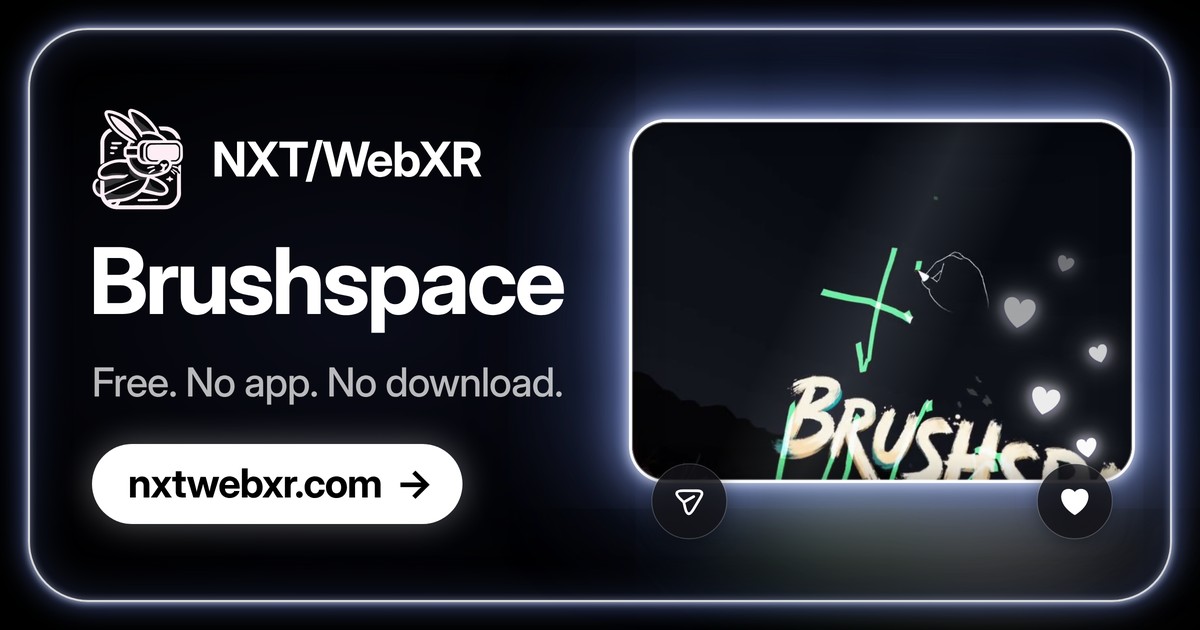 BrushspaceArt & painting · Multiplayerby EliXR Games
Paint in thin air, together.
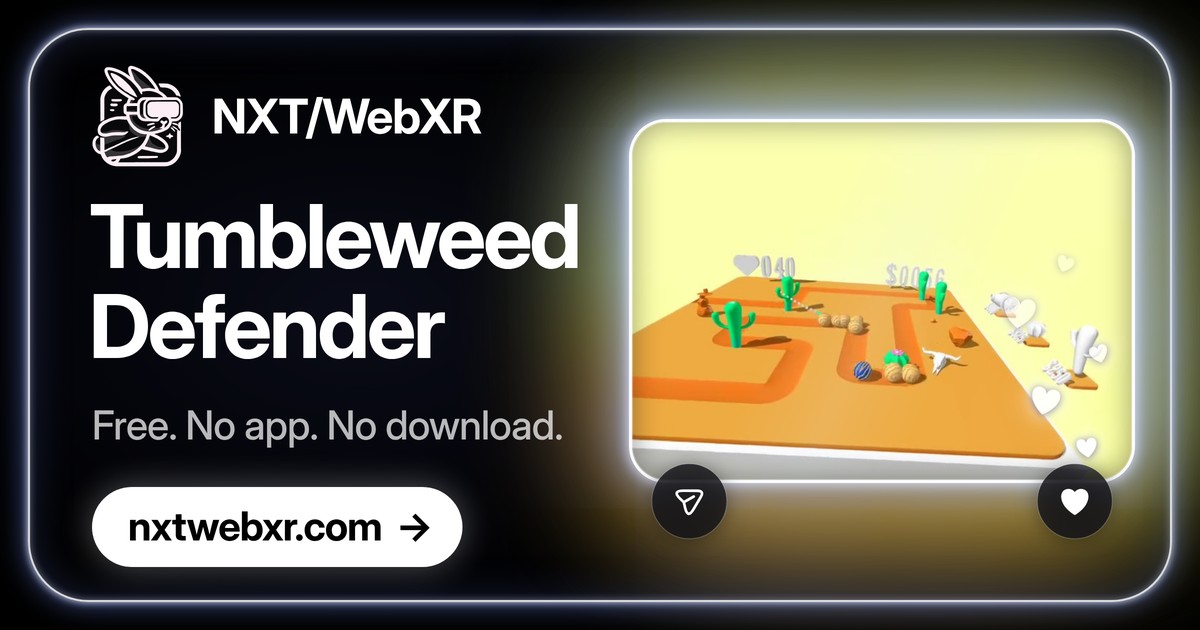 Tumbleweed DefenderMixed reality · Action & arcadeby Will It Augment · controllers
A passthrough tower defence game, inspired by Balloons Tower Defense, that plays out in your own room.