
About Yolopia
Free WebXR game · plays in virtual reality
A rhythm game that mixes flow, boxing and pose matching, set among cherry blossoms, torii gates and forest animals. Its maker drew on an old Slavic story they made up.
How to play Yolopia
- Put on your Meta Quest, Pico or other WebXR headset and open its web browser.
- Go to nxtwebxr.com, find Yolopia in the feed and pull it towards you, or open yolopia.com directly.
- Press the VR or AR button when it appears and allow the immersive session.
At a glance
- Price
- Free, no account
- Runs in
- The headset's web browser (WebXR); nothing to download
- Plays in
- Virtual reality
- Category
- Music & rhythm, Boxing & fitness
Questions about Yolopia
Is Yolopia free?
Yes. Yolopia is free to play, with no account and no payment.
Do I need to download Yolopia?
No. It is a WebXR experience that runs in your headset's web browser, so there is nothing to install. Open it from NXT/WebXR or from yolopia.com.
Does Yolopia work on Meta Quest 3?
Yes. It runs in the Meta Quest Browser on Quest 3 and Quest 3S, and in the browsers of other WebXR headsets such as Pico.
Made Yolopia? Put the Featured on NXT/WebXR badge on your page.
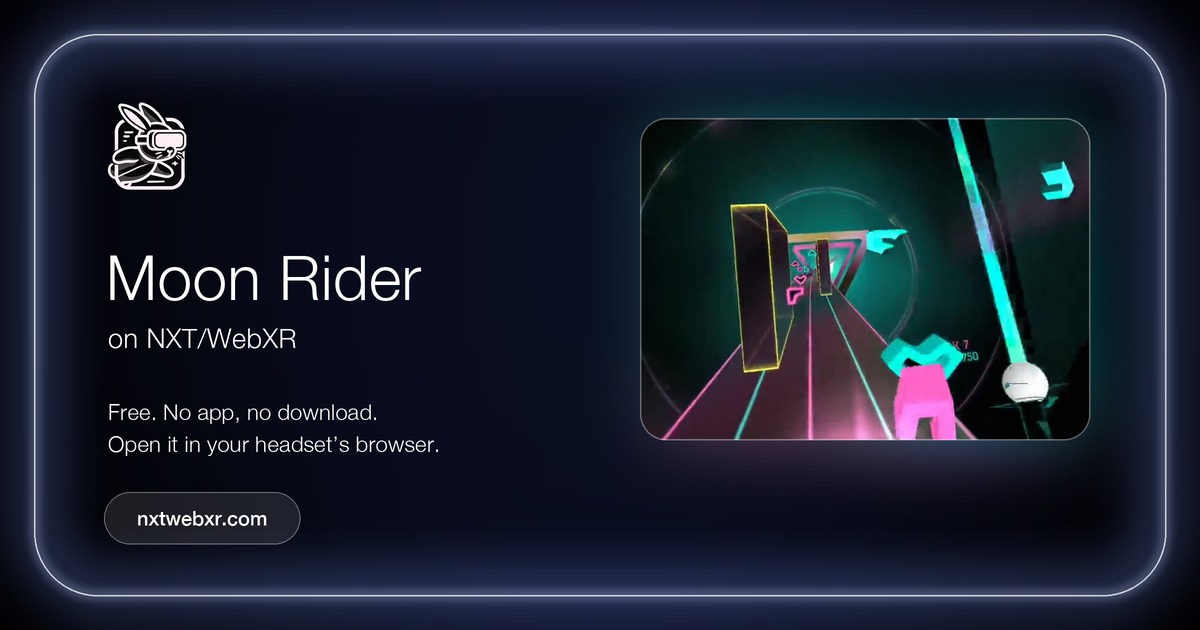 Moon Rider
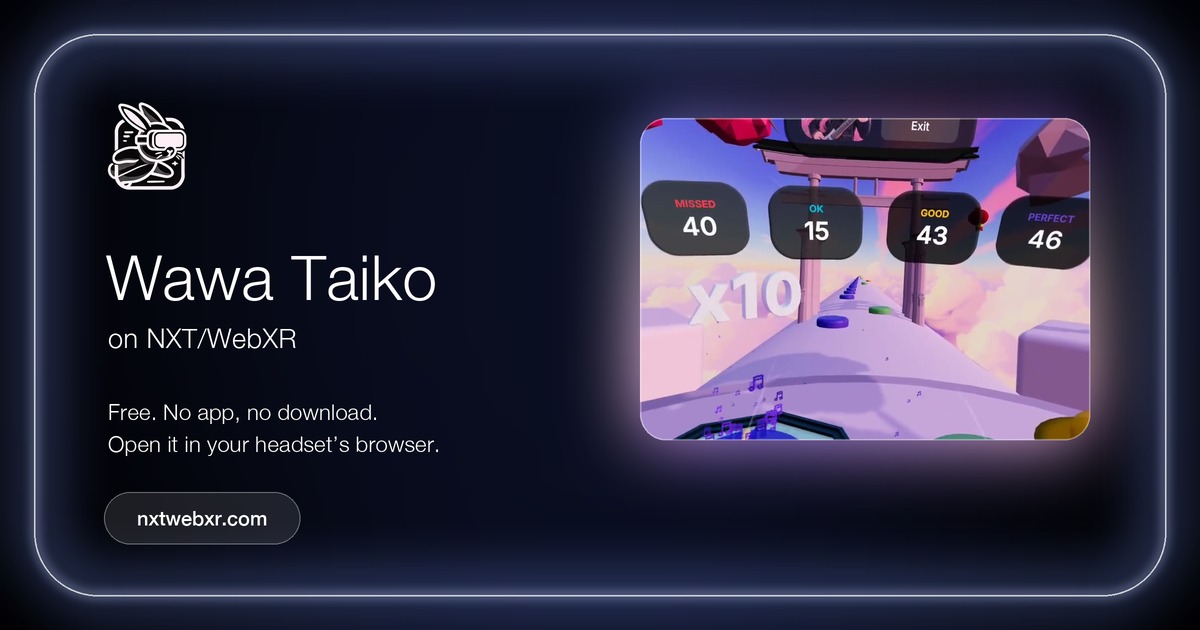 Wawa Taiko
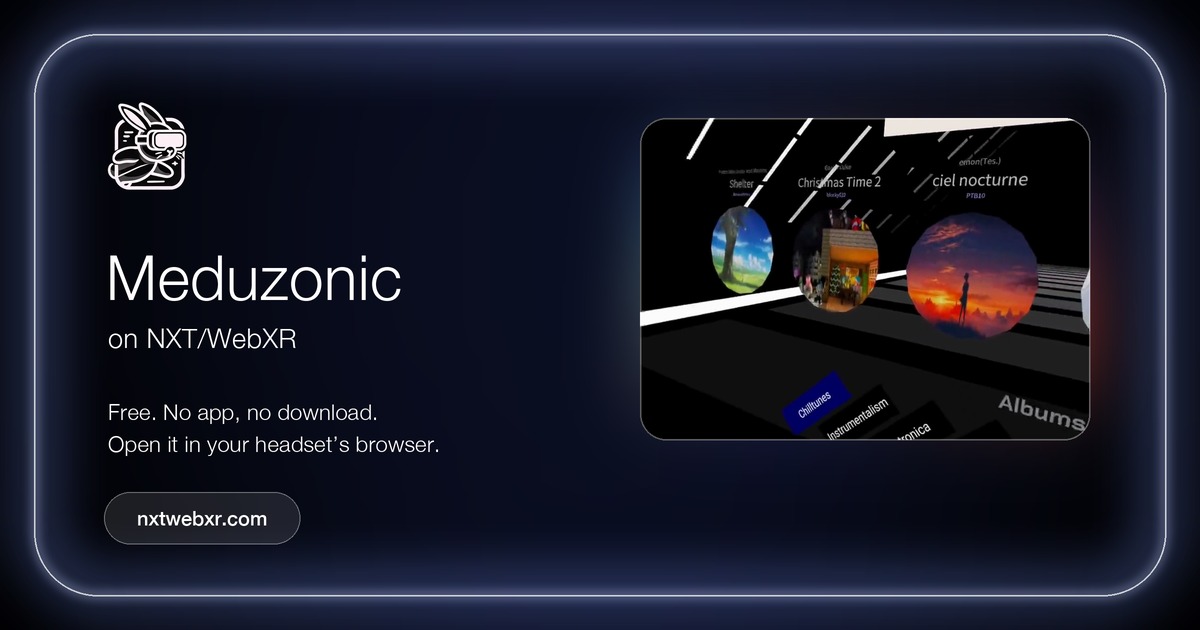 Meduzonic
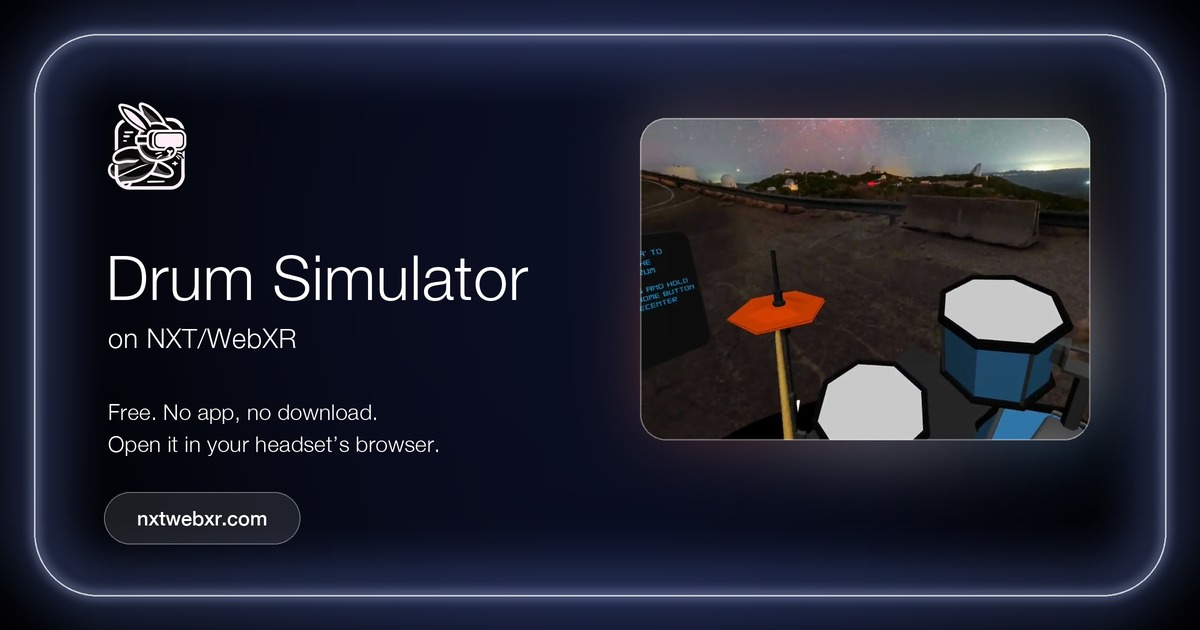 Drum Simulator
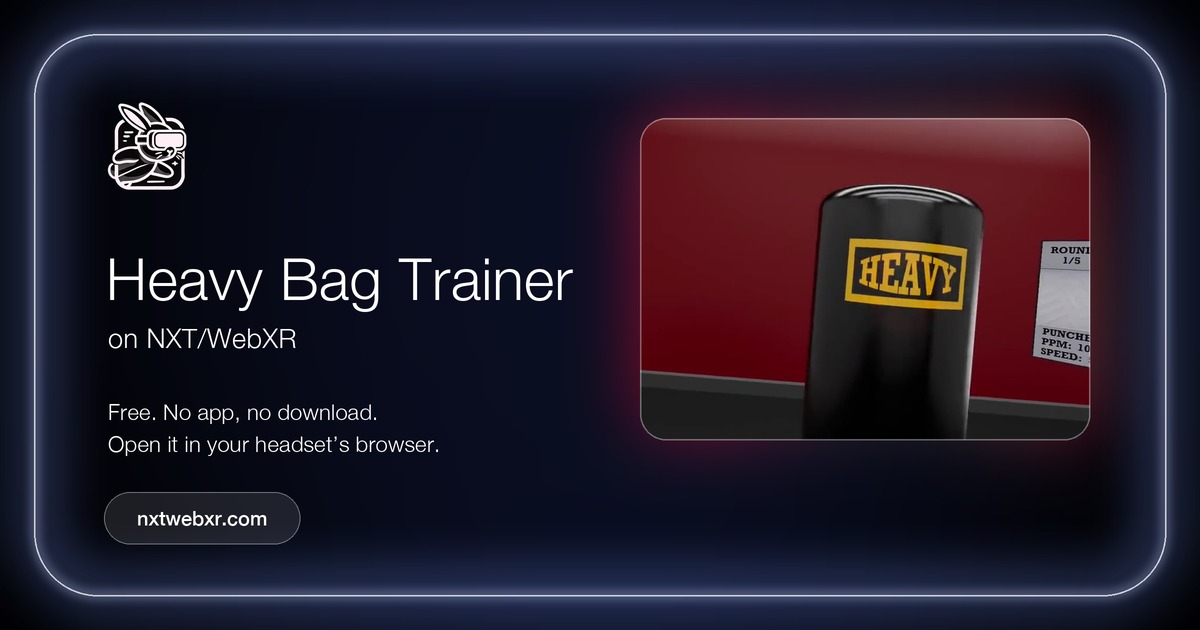 Heavy Bag Trainer
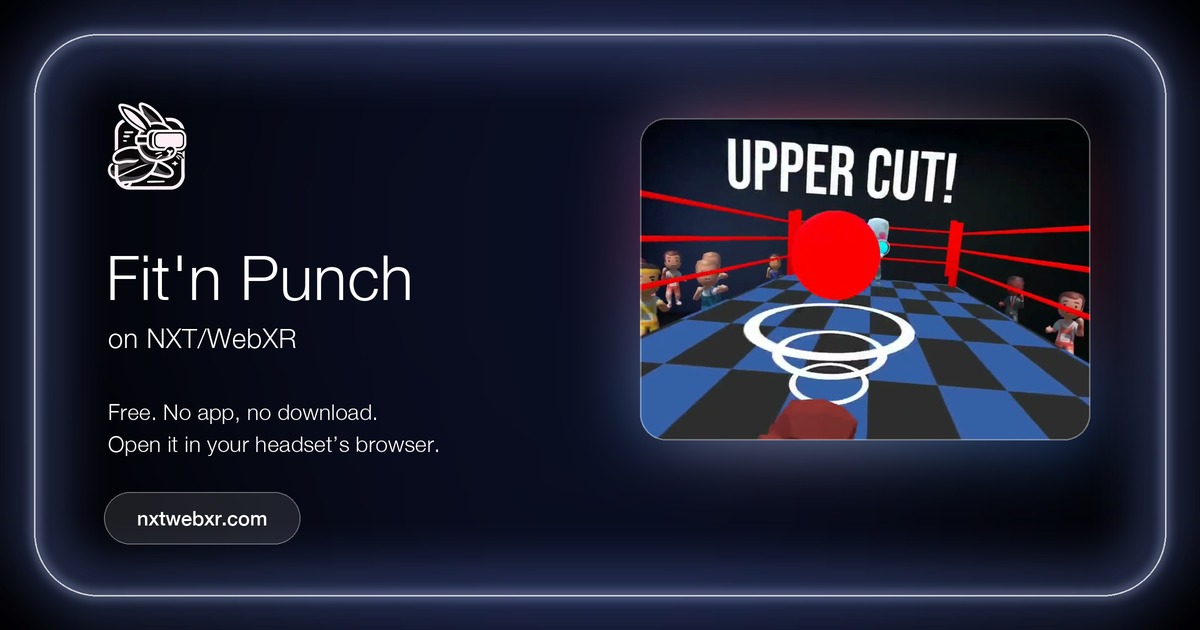 Fit'n Punch